Getting Started
Sign in and understand the basics of your Junovy Account.
Introduction
Introduction
Your Junovy Account lets you securely access Junovy services. Authentication is managed by Keycloak in the “dds” realm.
What you can do
- Sign in to Junovy apps and services
- Reset your password if you forget it
- Enable two‑factor authentication (2FA) for extra protection
- Update your profile details
- Review and sign out of active sessions
Important URLs
- Reset Password: https://auth.junovy.com/realms/dds/login-actions/reset-credentials
- User Profile & Account Console: https://auth.junovy.com/realms/dds/account
Tip: Bookmark the links above to avoid phishing and ensure you always reach the correct site.
Sign In
Steps
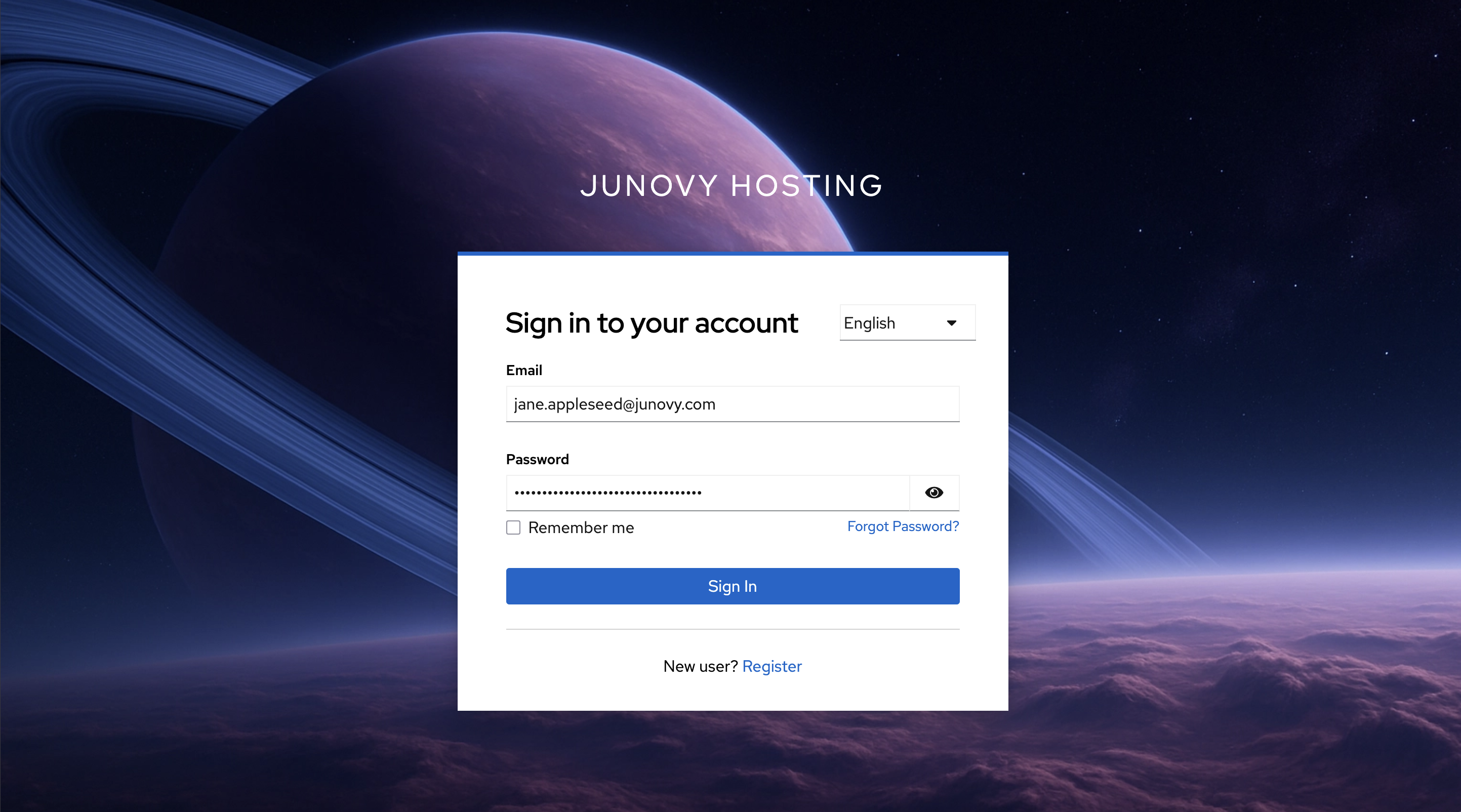
- Login via https://cloud.junovy.com
- You’ll be redirected to the Junovy sign‑in page.
- Enter your email and password, then continue.
- If prompted, complete two‑factor authentication (2FA).
Tips
- If you’re unsure of your username, check your welcome email or ask your admin.
- Use a modern browser and ensure your system time/date are correct (helps with 2FA codes).