
Reset Your Password
Use this if you forgot your password or can’t sign in.
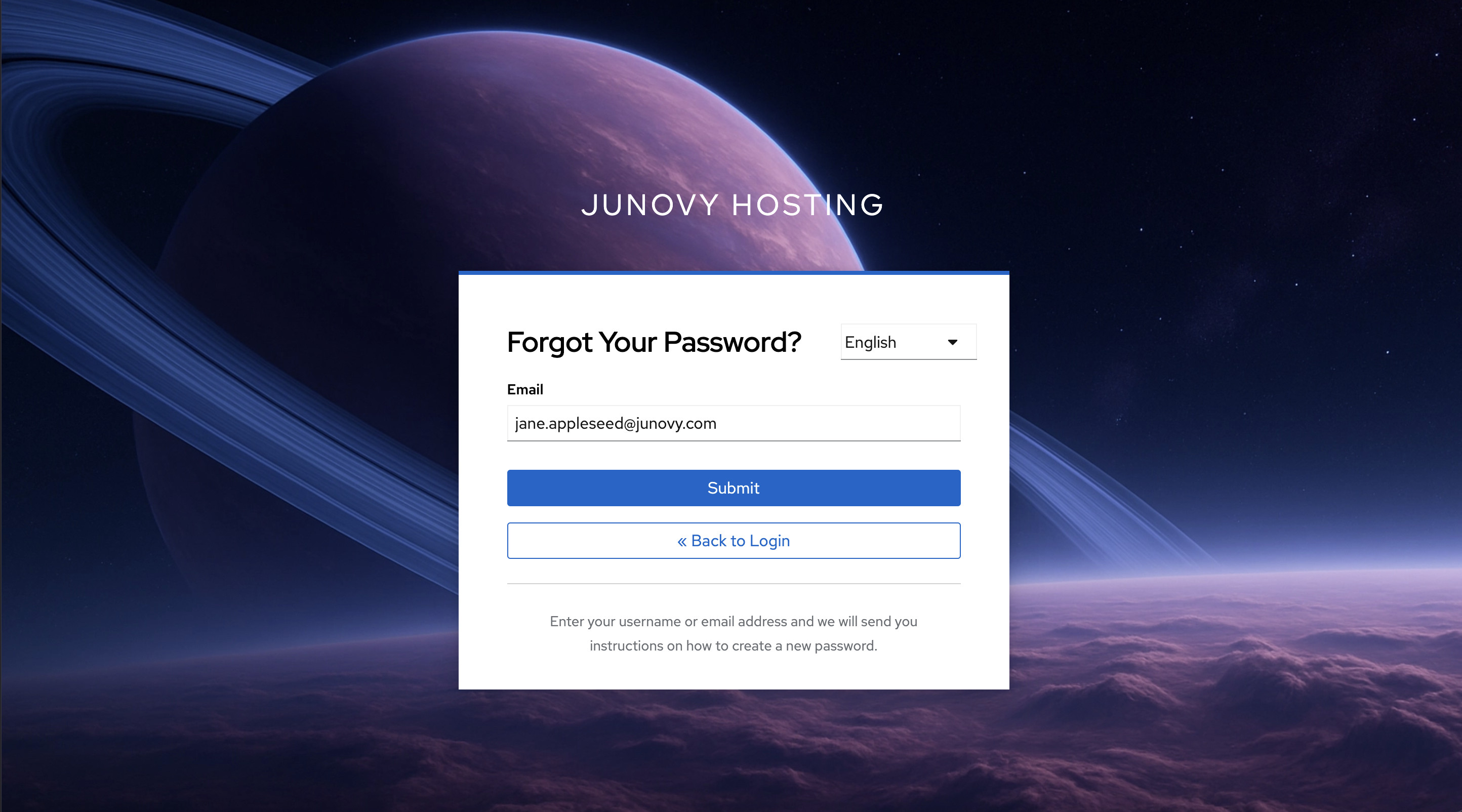
- Open Reset Password
- Enter your account email or username and submit.
- Check your email and follow the link to set a new password.
If you don’t receive the email
- Wait a few minutes and check spam/junk folders. The email will be sent from noreply@junovy.com.
- Make sure you used the correct email/username.
- If the link expired, repeat the reset request.
- Still stuck? See Troubleshooting & Support.